# Vim
We have created a [Vim](https://www.vim.org) plugin to make it easier to work with our [configuration](config.html.md).
It provides syntax highlighting, indentation and completion for the Halon [script](https://docs.halon.io/hsl/) (HSL) source files.
> > **Note**
> >
> > For a more fully-featured integration that supports [linting](vscode.html.md#vscode-linter) and [debugging](vscode.html.md#vscode-debug)
> > right inside the code editor, see our [Visual Studio Code integration](vscode.html.md) instead.
## Features
* Syntax highlighting
* Indentation
* Completion
* Covers the entire standard library
## Installation
To install the plugin use the following command.
```console
$ git clone https://github.com/halon/vim-hsl.git ~/.vim/pack/vendor/start/vim-hsl
```
To enable it add the following to your `~/.vimrc` file.
```default
syntax on
filetype plugin indent on
```
### Upgrade
In order to upgrade the plugin, use the following command.
```console
$ git -C ~/.vim/pack/vendor/start/vim-hsl pull
```
## Screenshots
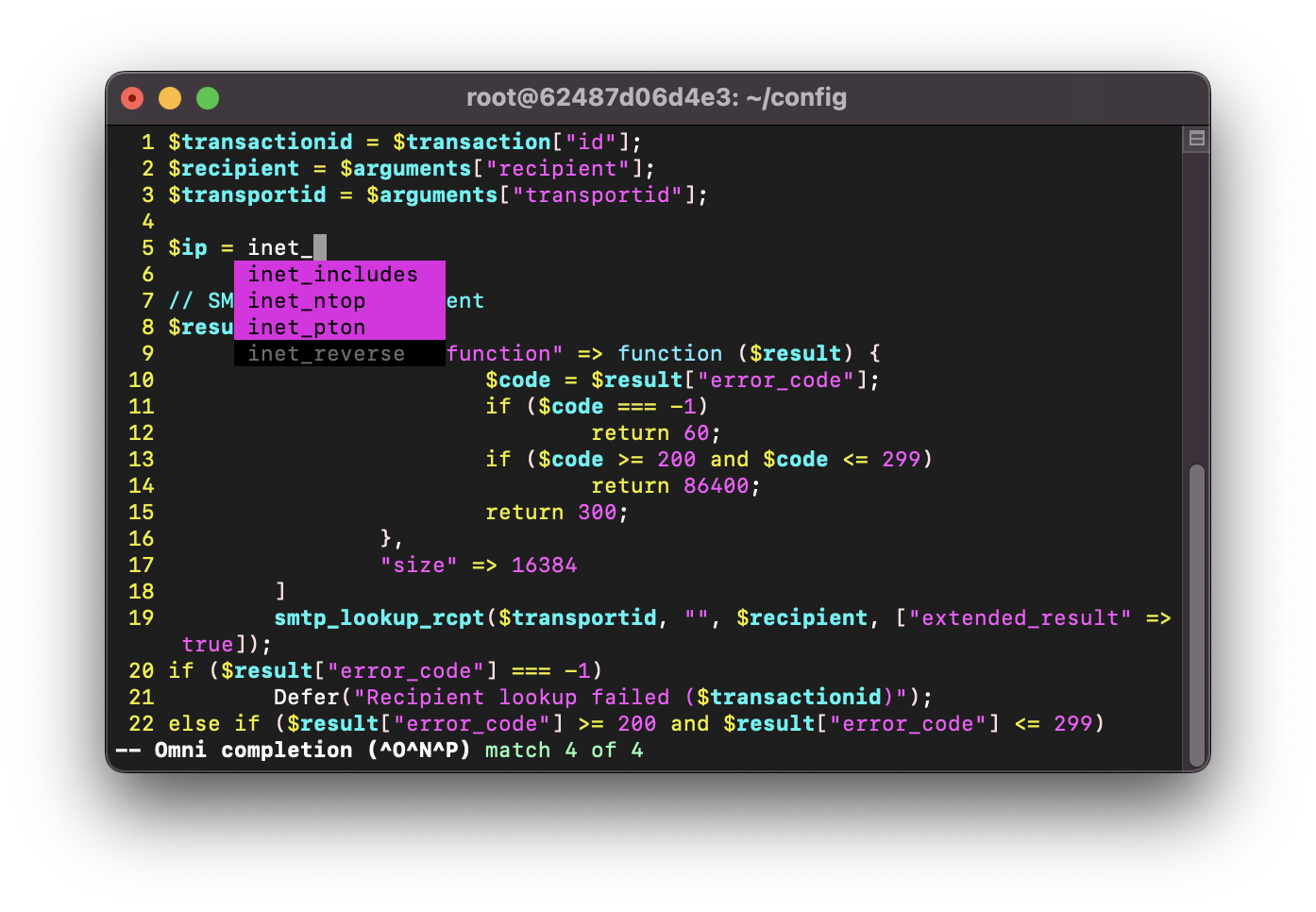
*The Halon [script](https://docs.halon.io/hsl/) (HSL) syntax highlighting and completion in action*
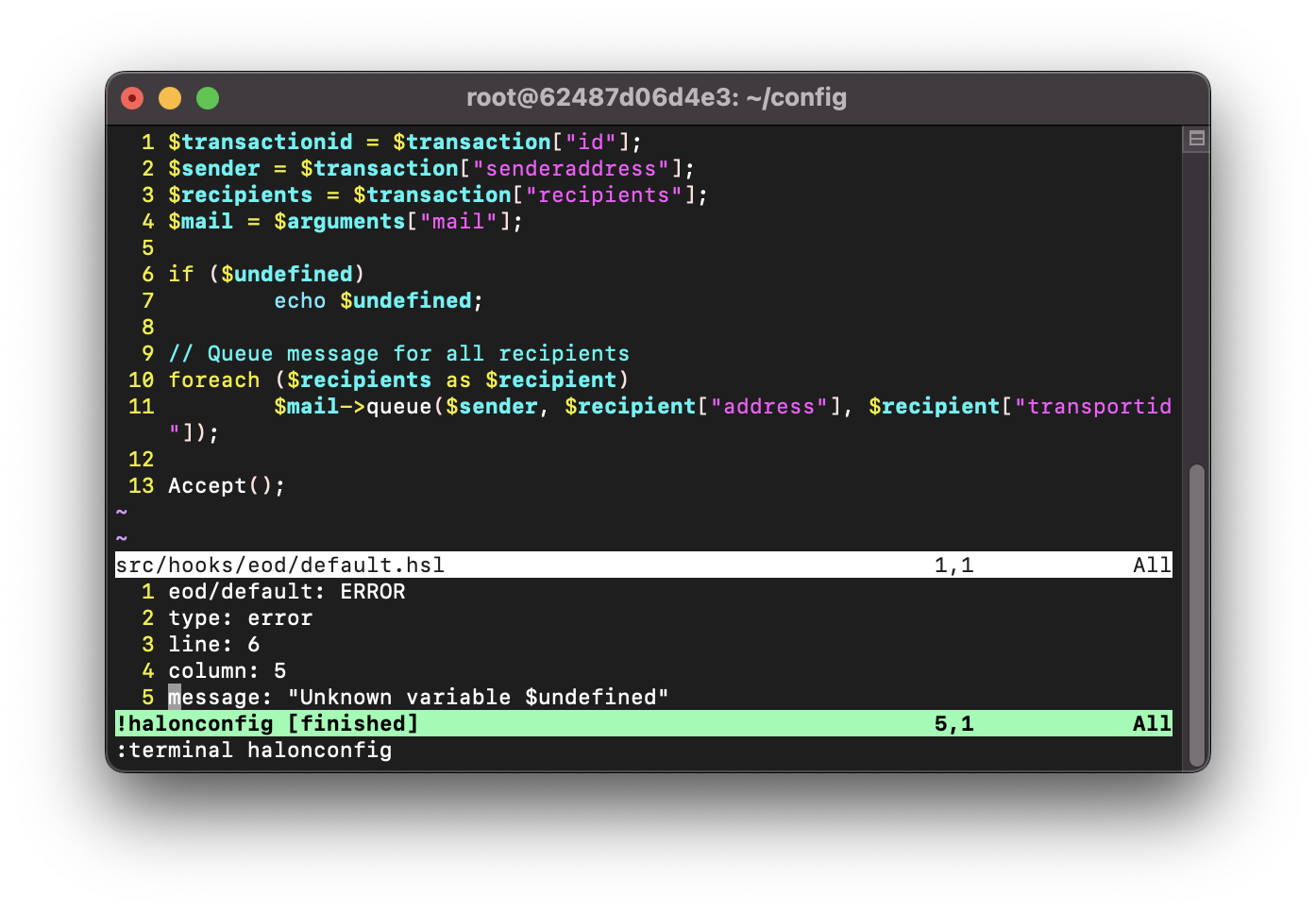
*Linting a script hook in a Vim window with `:terminal halonconfig`*